+61 420 222 417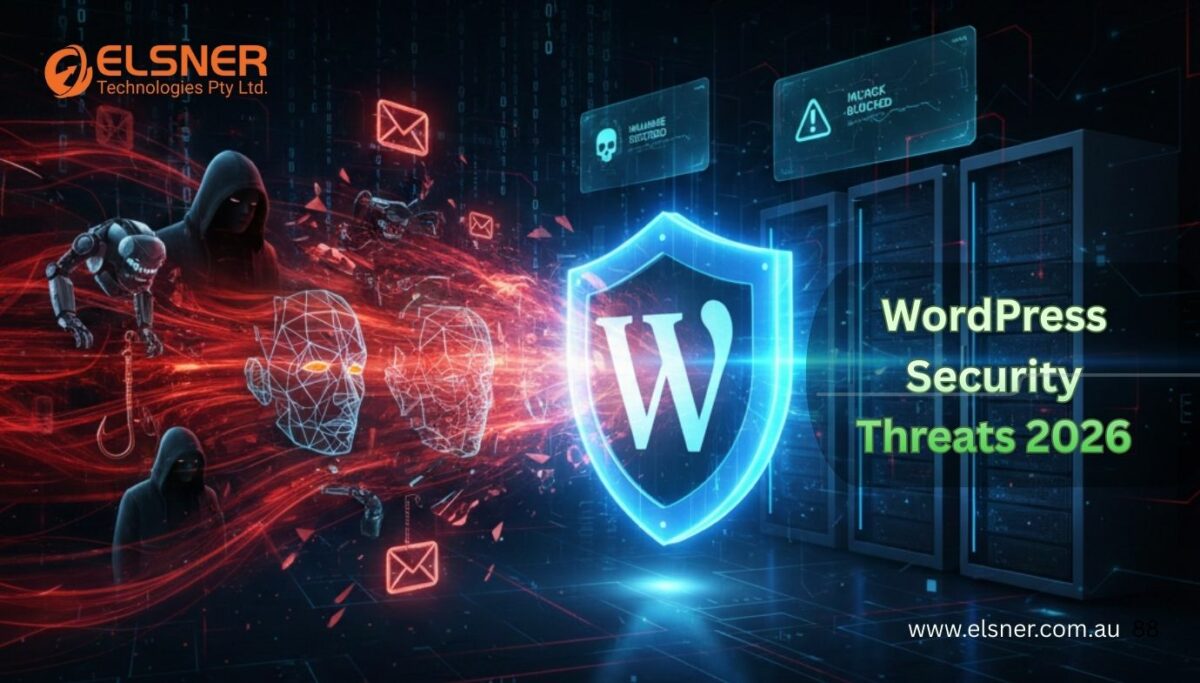

WordPress Security Threats 2026: New Malware, AI Attacks & Protection Guide
WordPressAs we move closer to 2026, the rate at which cyber threats evolve exceeds what most website owners expect. AI is changing how attackers operate, enabling automated breaches, smarter malware, and highly targeted phishing messages. At the same time, website platforms such as WordPress remain the primary targets due to their large global user base and the rapid growth of their plugin ecosystems. Strengthening your WordPress Security has never been more important.
In this guide, we’ll explore what’s changing in the world of WordPress Security Threats 2026, why cybercriminals are using AI to attack websites, how new forms of malware behave, and what practical steps you can take today. Besides that, you will get to know the most recent tactics for WordPress Malware Removal, identification of WordPress Vulnerabilities, and the modern WordPress Security Guide as a means of protection against future threats. Elsner Technologies is well-equipped with real-world protection strategies to help businesses all over Australia.
Why WordPress Security Matters More in 2026
Rise of AI-Powered Cybercrime
AI is the main factor behind the fundamental changes in cyberattacks. Attackers now use machine learning to automate vulnerability scanning, exploit weak login credentials, and customise phishing messages at scale. As a result, the number of WordPress brute force attacks is growing exponentially, exploitation cycles are becoming faster, and malware is increasingly complex—capable of learning and evolving without human intervention. This growing threat landscape highlights why partnering with a professional WordPress development company is essential to implement advanced security practices, hardened authentication systems, and proactive monitoring to safeguard WordPress websites.
Increasing Number of WordPress Vulnerabilities
WordPress, with its thousands of plugins and themes, is a highly adaptable yet exposed ecosystem. In most cases, the doors to new WordPress security issues are opened by the combinations of outdated components, misconfigured hosting and weak user permissions. In 2026, even a single missed plugin update can make your entire system vulnerable to external attacks.
Rise in Global Malware Activities
Continuously, around the globe, we are witnessing the rise of ransomware, botnets, SQL injection tools, and AI-driven phishing campaigns. A good number of these threats are designed in such a way that they can easily cause WordPress website hacks. At the same time, they operate quietly and can remain at the target site for weeks before the owners realise it.
Most Dangerous WordPress Security Threats to Keep Eyes On in 2026
1. AI-Powered Malware Attacks
Malware behaviour is based on learned patterns, enabling it to circumvent traditional firewalls. It knows the standards, it alters its signature, and it fits itself in the normal files. a real challenge in detecting malware on a WordPress site using scanning techniques.
2. Zero-Day Vulnerabilities in Plugins & Themes
There are more and more cases of popular plugins being widely used to achieve malicious goals even before manufacturers release patches. The slow update cycles and discontinued extensions dramatically increase your risk.
3. Automated Brute-Force & Credential Stuffing
AI-driven neural networks can crack passwords at an unprecedented pace; thus, they can target admin URLs and the XML-RPC endpoint, which is the most widely used for malicious activities.
4. AI-Enhanced Phishing & Social Engineering
Very personalised letters and fake login pages are among the elements that make these phishing attempts extremely convincing to unsuspecting users.
5. Deepfake-Based Attacks on Website Owners
Now, perpetrators are using AI-generated audio or video to impersonate clients or administrators, making it easier for them to commit fraud.
6. File Upload Exploits & Backdoor Injections
There is a trend toward malicious scripts being hidden inside image files; thus, attackers can run their hidden backdoors in victims’ wp-content folders.
7. Database & API Attacks
SQL injection and REST API manipulation remain the top threats for both large and small websites.
8. DDoS Attacks Driven by Botnets
AI-powered botnets can generate enormous multivector traffic loads that can exhaust sites and server resources.
How to Identify New WordPress Security Threats in 2026
AI-Based Malware Detection Tools
Contemporary scanning tools implement machine learning to locate hidden, behaviour-based malware, a must-have for WordPress Malware Removal.
Real-Time Monitoring & Anomaly Tracking
Unusual login locations, sudden traffic spikes, or unexpected admin activity may indicate a breach.
Server-Level Security Logs & Alerts
Firewall logs are the first signs of brute-force attempts, blocked scripts, or API access.
File Change Detection Systems
Monitoring wp-admin, wp-content, and wp-includes helps catch unauthorised file modifications early.
Complete Protection Guide to Secure Your WordPress Website (2026 Edition)
1. Update Everything — Core, Plugins, Themes
Regular patching is one of the most effective ways to prevent WordPress Vulnerabilities and reduce gaps in WordPress security best practices.
2. Use an AI-Powered Security Plugin
Next-gen WordPress Security Plugins offer behavioural scanning, threat intelligence, firewall filtering and automated quarantine.
3. Implement Multi-Layered Login Security
Automatically enabling 2FA, limiting login attempts, and hiding wp-admin access are among the many ways a user can reduce the risk of automated attacks.
4. Enable an Advanced Web Application Firewall (WAF)
Automated WAFs driven by AI technologies analyse the behaviour of traffic and can locate malicious patterns, even before letting the hacker attack your server.
5. Secure Hosting + Server Hardening
The appeal of managed hosting and supported PHP versions is strengthened by baseline protection through server-level malware scanning.
6. Encrypt Everything
Protecting sensitive information will always be secured through the use of SSL, database encryption and backup security.
7. Disable Unused Features
Uninstalling plugins, themes you do not use, and features such as XML-RPC can substantially reduce the risk of an attack.
8. Create a Regular Backup Strategy
Automated daily backups and off-site storage are, in fact, the two most secure methods for disaster recovery.
9. Continuous Security Audits
Regular monthly audits, combined with modern scanning tools, enable early detection of security breaches.
AI Tools & Security Plugins You Should Use in 2026
Top AI Security Plugins
It would be best for users to install plugins that enhance login security, regularly check for file changes, and quickly detect malware on the system. hire WordPress web developer to fix these issues.
Recommended Hosting-Level Security Tools
CDN firewalls, bot management and server-based scanners add a powerful extra layer.
What to Do If Your WordPress Website Is Hacked in 2026?
Immediate Steps to Contain Damage
Disable access, change passwords, and isolate the infected areas.
Scan the Website for Malware
Using the most advanced scanning tools will help you identify hidden backdoors.
Restore a Clean Backup
With a clean backup, you can restore instantly without losing your content or data.
Remove Malware & Re-Secure the Website
Remove the infected files, forcibly update WordPress core, and install fresh copies of trusted plugins.
Implement Long-Term Protection
Logging audit records, using continuous monitoring software, and maintaining an organised recovery plan are all ways to anticipate and prevent future issues.
Why Professionally Assisted Security Is Beneficial in 2026
AI-modelled attacks call for extensive technology-related knowledge. Elsner is proficient in advanced security automation, thorough malware investigations, real-time surveillance, and long-term managed protection coordination.
If your business needs specialist intervention, a reputable WordPress development company like Elsner is the perfect partner to handle everything from malware removal to security reinforcement. Learn more about how to protect your WordPress files in 2025.
Final Thoughts: The Future of WordPress Security in an AI-Driven World
With rapid increases in WordPress Security Threats 2026, staying proactive is essential. While adversaries will use automation, zero-day exploits, and self-learning malware, website owners will be on the safe side by employing smarter tools, more rigorous processes, and expert support.
A sustainable safety plan basically consists of regular updates, real-time monitoring, and AI-powered protection systems. Security specialists like Elsner Technologies can ensure your website is strong, secure, and ready for future challenges.
Securing your system with the most up-to-date measures is the best way to prevent breaches and protect your online presence in the future.
Whether you intend to hire WordPress expert team or you are looking to hire a talented WordPress programmer for regular maintenance, professional assistance should now be considered as another essential line of defence.
⚡ Stay Ahead of Cybercriminals
Schedule your WordPress security consultation with Elsner Technologies and protect your website from AI-powered threats.
FAQs
1. How do I know if my WordPress site has been hacked?
Check for sudden redirects, unfamiliar admin accounts, warnings from Google, or unusual server behaviour.
2. What’s the fastest way to clean malware?
The quickest route to recovery is to use professional cleanup tools alongside the “How to clean a hacked WordPress site” methods.
3. Is a security plugin enough to protect my website?
While it is a great help, real security requires continuous updates, hosting protection, and regular monitoring.
4. Do small business websites need advanced security?
Definitely. The majority of attacks target small sites because they are the ones that have weaker defences.